
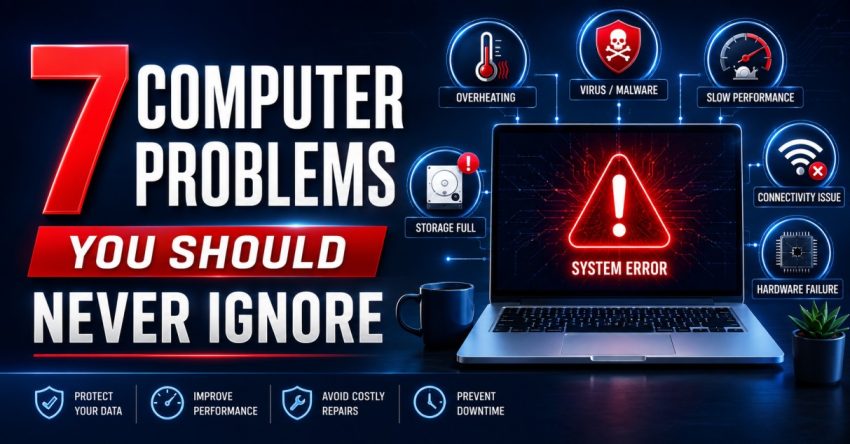
Computers have now become a key asset in every business as well as home. They aid in organization, serve as a central hub for all your important files and documents, and facilitate communication. But lots of individuals tend to disregard small computer concerns, thinking they will go away of their own accord. In fact, these minor issues can escalate and become big failures that cost time, money and important data.
By getting professional computer support and services at the proper time, you can avoid having these problems be serious. These are the 7 computer issues you can’t ignore.
Quick help from CNC — West Patel Nagar, Delhi
Need laptop repair or data recovery help?
CNC is at West Patel Nagar, Delhi — same-day service, free diagnosis, No Fix No Charge.
⭐ 4.9★ · 981 Google reviews · Since 1996 · GST invoice · Learn more →
1. Slow Performance
Pay attention to your computer if it is now taking longer to start up or apps take longer to open up. Malware, out-of-date software, low memory, or hardware failures can cause slow performance.
Unaware of this issue can cause a decrease in productivity and ultimately cause a total system failure. Computer support and services will find the cause and speed up your computer before it gets worse.
2. Frequent System Crashes
A computer that crashes often or shows out-of-the-ordinary error messages should never be overlooked. Such crashes can be caused by software conflicts, OS file damage, memory problems, or hard drive failures.
The early detection of problems allows you to avoid permanent damage, and avoid loss of important files.
3. Strange Noises from the Computer
Computers that make strange noises of clicking, grinding or loud buzzing noises indicate that there is a possibility of hardware failure. Hard drives, cooling fans or power supply units could be failing.
If you do hear such sounds, your computer could suddenly stop working. Quick checks can prevent a complete failure of parts.
4. Overheating
Any computer that is hotter than usual when it is functioning normally is vulnerable to major damage. Overheating typically occurs from dust buildup, clogged air vents or broken cooling systems.
When you have the assistance of reliable computer support and services, you can get regular maintenance that will help you keep a clean, ventilated, and cooled device, which will help it work properly for a longer period.
5. Unusual Pop-Ups or Suspicious Activity
If an ad is being placed regularly, you may have malware or a virus infection. If you don’t recognize the application that is appearing, or if your system settings change without your knowledge, you likely have malware or a virus.
These threats could result in loss of personal, business or financial information. Scanning and virus cleanups regularly ensure that your computer has the protection from cyber attacks.
6. Issues with Internet Connectivity
Frequent breaking of internet connections, slow internet speed, or networking issues are indicators of hardware issues, configuration issues, or security issues. Hence, opting for reliable internet connectivity and performance by consulting a reliable computer support and services can resolve these issues.
7. Failed Updates
Updates to your operating systems and software include security and performance upgrades. You will regularly find yourself facing security issues and incompatibilities because of not updating.
Not updating when it is necessary leaves you vulnerable to threats. The technician will be able to troubleshoot any update-related issues.
Conclusion
Even minor computer issues will not stay minor! From slow speeds to strange noises, overheating to security issues, the key is to get it fixed early, before you have to shell out more cash for repairs or have to wait for a computer to start up. Regular maintenance not only enhances performance, but can also prolong the life of your computer.
By selecting reliable computer support and services, you can detect issues before they reach the level of severity and protect important information and ensure efficient operation of the computer system. Today’s well-timed technical assistance can save you lots of bother and expense down the road.
Also Read: The Role of Computer Service and Support in Maintaining Cybersecurity
📍 O-41 West Patel Nagar · Mon–Sat 10 AM–7 PM
Need laptop repair or data recovery help?
CNC is at West Patel Nagar, Delhi — same-day service, free diagnosis, No Fix No Charge.
⭐ 4.9★ · 981 Google reviews · Since 1996 · GST invoice · Learn more →