
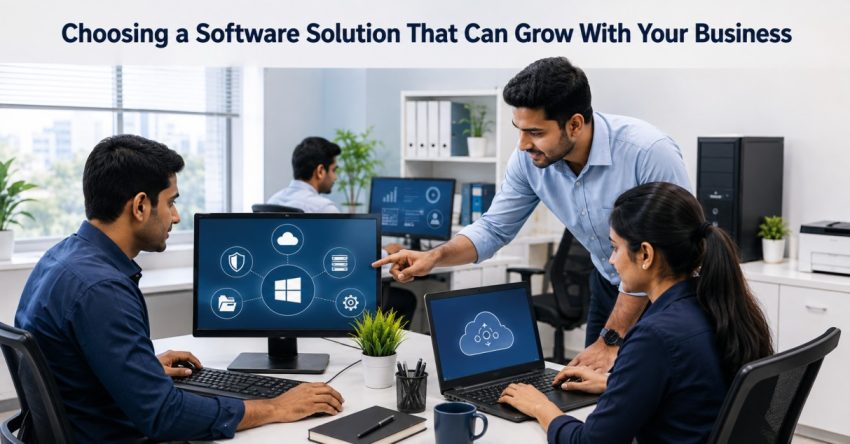
Although a software solution can be perfect for a small business, changing needs can quickly reveal its shortcomings. When software starts working against you, rather than for you, because the number of employees, customers, transactions and business processes is growing, it’s a major problem. Businesses can prevent regular migrations to other platforms and expensive replacement by selecting technology that has the potential to continue to grow. The objective is not only to locate software that suits the needs of the day, but also determine software that will adapt in the future as the organization changes.
Start With Current and Future Requirements
The first stage is to identify what the business requires. Businesses shouldn’t just think about settling for the short-term issues; they have to think about what they want to encounter in the upcoming number of years.
Will the number of users increase? Any new sites will be added? Is it possible to expand the business with more departments and/or additional services? By answering these questions, it becomes clear if a software solution is able to meet future needs and if there is enough capacity and flexibility.
Look Beyond the Current User Count
A small group of employees might start out in a small business but then a hundred or more employees may need access in the future. Software must then provide some usable way to add users to a system without introducing needless complexity.
It is also crucial to know how user permissions function. Access to the system may be required at various stages, especially for financial, customer or operational data, and the access required may vary between different employees.
Check Integration Capabilities
Many times, as one grows, they are forced to accept new technologies. A business could be operating on accounting software, a customer relationship management system, payment system, communication tool, or a system of analytics.
Another software that could be incorporated into other systems can cut down on duplicate data entry, and make information flow in between departments more efficiently. When choosing a platform, companies should look into the platform’s integrations, and determine if there are any APIs or other notable ways of connecting with current tools.
Think Customization and Scalability.
Few businesses stay the same. Today’s processes could be different later on as teams grow or operations increase in complexity.
A scalable software solution should be flexible enough to allow for evolving workflows while not forcing a lot of redevelopment as the business evolves. Customization needs to be done with caution, though. Too many changes can complicate future renovations.
Evaluate Data Management
More data typically equates with business growth. Over time, the amount of customer records, transactions, documents and operational information can grow quite a bit.
Businesses should understand how the software stores, manages, backs up and retrieves information. They should also have to think about if information can be exported if they ever transfer to another platform. This can lower the risks of getting too reliant on a system that will not meet the future requirements.
Evaluate the total cost (not only initial cost).
While the initial setup is cheap, extra users, integrations, maintenance, training and upgrades can impact long-term costs of an inexpensive platform.
It is necessary to take into account the total cost of ownership during software selection. In case the platform can be scaled and maintained without constant replacement, some additional expenses at first glance might be justified.
Conclusion
Choosing software for the company, which will scale up in the future, is not an easy task. There are several things to keep in mind before making a decision regarding the platform – number of users, integrations, scalability, customizations, data management, and costs, among others. The best software solution should meet all present-day needs of companies and be adaptable to changes in the process in the future. Taking a long-term perspective on technology might help avoid unnecessary interruptions and unnecessary replacements of the software.
Also Read: Computer Repair for Overheating Systems: Finding the Problem behind Rising Temperatures