
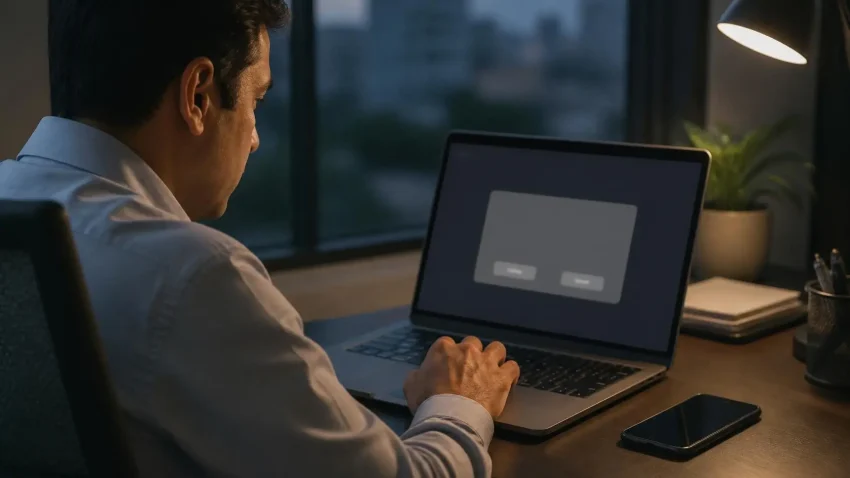
Remote desktop support is safe when you know who is on the other end and you stay in control of the session. It is dangerous when a stranger calls you, creates panic, and asks you to install a tool. In India, fake “tech support” and “bank KYC” calls often end with a remote-access app on the victim’s phone or computer. Use these eight checks before you allow anyone in.
1. Did you contact them, or did they contact you?
A real IT company waits for you to log a problem. Microsoft, your bank and your antivirus company do not call you to say your computer is infected. If the call, pop-up or SMS came first, stop.
Quick help from CNC — West Patel Nagar, Delhi
Need laptop repair or data recovery help?
CNC is at West Patel Nagar, Delhi — same-day service, free diagnosis, No Fix No Charge.
⭐ 4.9★ · 1,001 Google reviews · Since 1996 · GST invoice · Learn more →
2. Can you verify the business?
Ask for the company name, address and GSTIN, and check them on the GST portal and on Google Maps. A real business has an address you can visit, reviews going back years, and invoices with a GSTIN on them.
3. Do you have to approve the session on your screen?
Legitimate remote tools show a request that the person at the computer must accept. You should see everything the engineer does, and you should be able to end the session at any time. Never let anyone set up “unattended access” on a computer you use for banking unless it is your own IT provider under a written contract.
4. Are they asking for an OTP, PIN or password?
No IT problem needs your bank OTP, UPI PIN, card number or net-banking password. If anyone asks, end the session and disconnect the internet.
5. Are they asking you to pay during the session?
A common trick is to open your banking site “to process a refund” while connected. Real IT companies invoice you afterwards, by email, with a GSTIN.
6. Is the tool installed from the official site?
Common remote tools such as AnyDesk or TeamViewer are not harmful in themselves; the risk is who you give access to. Download only from the official website, never from a link sent on WhatsApp, and uninstall tools you no longer use.
7. Is there a written scope?
Before work starts you should know what will be done and what it will cost. After the session you should get a short note of what was changed.
8. Is the session on a work computer, not your personal banking device?
Keep business support on business machines. Do not let anyone connect to the phone you use for UPI.
If you think you have already been scammed
- Disconnect the internet and uninstall the remote tool.
- Call your bank to block cards and net banking.
- Report it on the national cyber crime helpline 1930 or at cybercrime.gov.in.
- Change your email and banking passwords from a different device.
- Have the computer checked for other software left behind.
How we run remote support at CNC
We are Classic Network and Computers, O-41 West Patel Nagar, New Delhi 110008, in business since April 1996 (GSTIN 07AAFPM8324E1ZT). For one-time sessions, our engineers connect only after the user approves on screen; for AMC devices, a remote agent is installed only with the client’s written consent. We never ask for OTPs or bank logins, take payment only through our payment page with a GST invoice, and never call first about a “virus”. More about the service: Remote IT support and remote AMC across India.
Frequently asked questions
Is remote desktop support safe?
Yes, when you contacted a verified company yourself, you approve the session on screen, you can end it at any time, and nobody asks for OTPs, passwords or payment during it.
Can someone access my computer without my permission after a session?
Only if unattended access was set up or the tool is still running. Close the tool after the session and uninstall any remote tool you do not recognise.
Does Microsoft call people about viruses?
No. Microsoft does not make unsolicited calls about infected computers. Treat any such call as a scam.
Where do I report a remote-support scam in India?
Call the national cyber crime helpline 1930 or file a complaint at cybercrime.gov.in, and inform your bank immediately.
📍 O-41 West Patel Nagar · Mon–Sat 10 AM–7 PM
Need laptop repair or data recovery help?
CNC is at West Patel Nagar, Delhi — same-day service, free diagnosis, No Fix No Charge.
⭐ 4.9★ · 1,001 Google reviews · Since 1996 · GST invoice · Learn more →
Prices and rates mentioned in this article are indicative estimates as of September 2026, exclusive of GST unless stated, and may change without notice due to exchange-rate movements, supply constraints and market demand. Please confirm current pricing and availability with CNC before making any decision.